Skip to content

Navratri Prompts for Couples 2026

Two people, one festive memory. Choose coordinated outfits, a playful dandiya moment or a relaxed portrait under the lights, with directions for both faces.

Free to read and copy. No account needed.
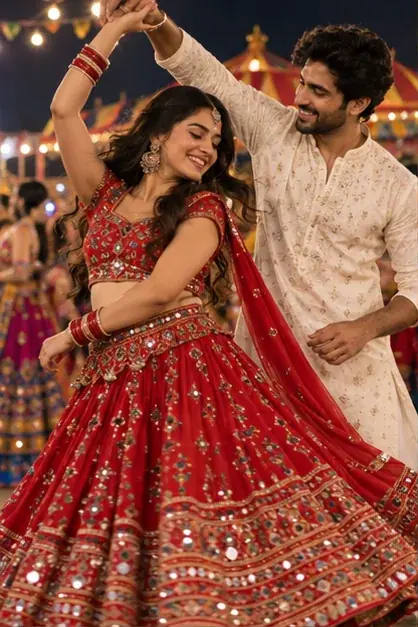
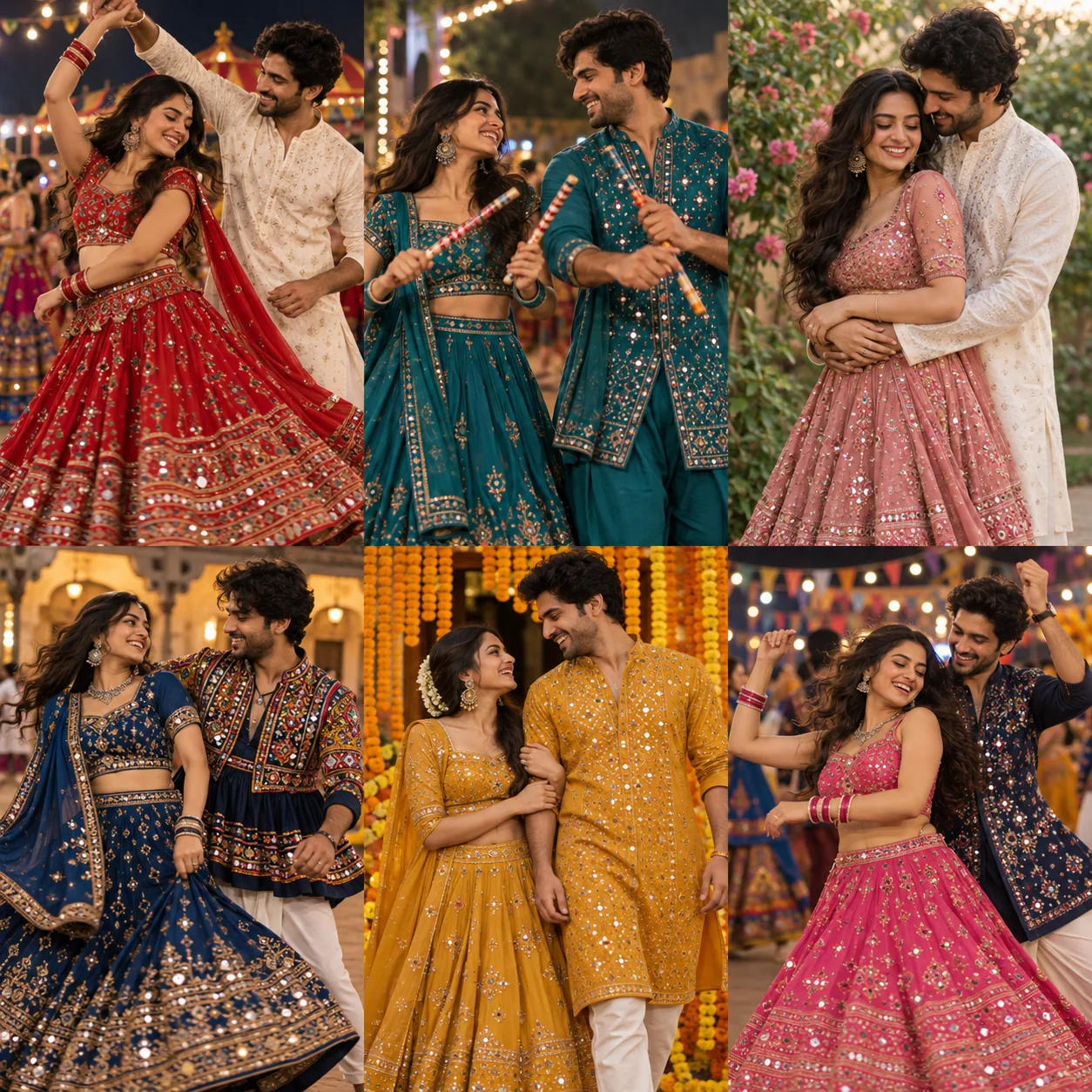
Together at Garba night: person one in a red lehenga and person two in an ivory kurta with coordinated red embroidery, a Garba courtyard under golden string lights. AI-generated style illustration.Teal Dandiya duo: coordinated teal traditional outfits with silver mirror-work details, a decorated Dandiya venue at twilight. AI-generated style illustration.A style for your celebration

How to Use Navratri Prompts for Couples in 3 Easy Steps

Choose a prompt, personalise it and create a photo in your image editor.

  1. 1

    Choose and copy a prompt

    Browse Garba, Dandiya and traditional portraits. Pick the outfit and setting you love, then copy the full prompt for that style.

  2. 2

    Personalise the details

    Edit the outfit, colour and setting. Prepare a clear reference photo; for couples, identify each person separately.

  3. 3

    Generate and review your photo

    Paste your prompt and add your reference in a compatible image editor. Review faces, hands and clothing before saving. Our Gemini guide explains the workflow.

Tips for Better Navratri Portraits

Use one clear photo together or a clear individual reference for each person. Identify person one and person two in the prompt. Multi-image support depends on the editor you use.

Where to Use Your Navratri Photos

Turn your Navratri photos for couples into a festive post or personal keepsake.

  • Social posts and profile pictures

    Try a portrait for an Instagram post, WhatsApp status or seasonal profile picture. Leave space around the face for cropping.

  • Navratri greetings

    Add your finished portrait to a greeting for friends and family. Place your message in a design editor after creating the image.

  • Personal festival keepsakes

    Save your favourite styles in a digital album. Check image resolution before printing, and label AI-created portraits when sharing.

FAQs About Navratri Prompts for Couples

A little guidance before your next festive portrait.

Explore the Gemini guide
Can we use two separate reference photos?

Choose the two-photo input in our workspace to prepare your references. When using an external editor, check that it supports multiple reference images and say which person each photo represents.

How do I keep the AI from mixing up our faces?

Label the references person one and person two, describe each outfit separately and ask the editor to keep both identities distinct. Review both faces; these instructions do not guarantee a perfect match.

Do the outfits have to match?

No. Coordinated accent colours often work better than identical outfits. For example, pair a red lehenga with an ivory kurta and a red embroidered detail.

Which couple pose should we try first?

A simple side-by-side portrait is a useful first test. Once both people look right, try a gentle Garba movement or a Dandiya pose with clearly separated hands.

Explore More Navratri Prompts

Explore another collection or learn the editing workflow.

Find Your Next Navratri Photo Prompt

Start with a style, then add the details that make it personal.

Choose my Navratri look